Online

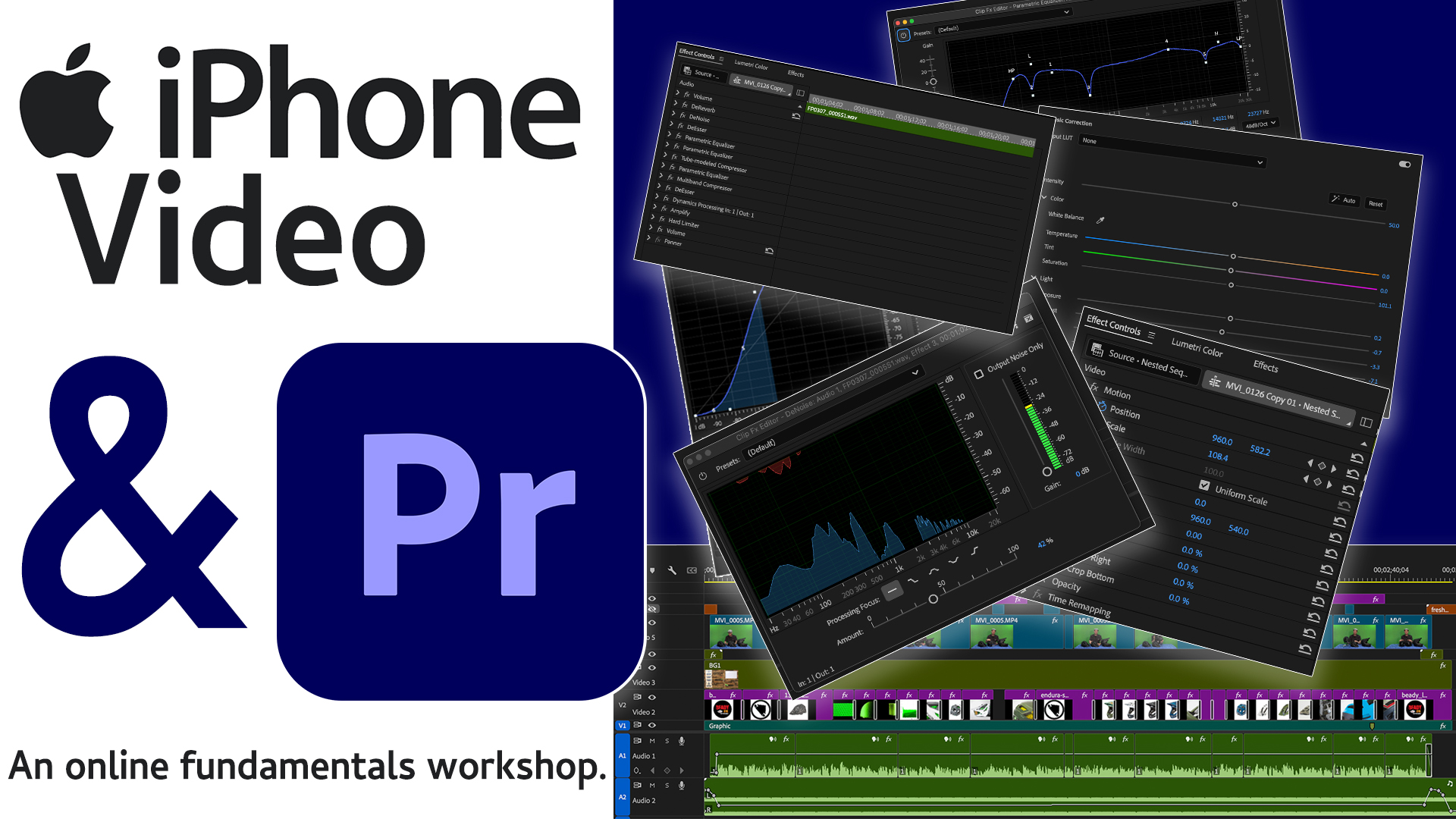
Beginner’s Guide to High-Quality iPhone Video Editing

with Jake Baca

Online registration for this program has closed. To check availability, find out about future dates, or if you would like further information, please call 505-983-1400 ext. 111. Also, get the SFW E-Newsletter for updates!

Sign-up for the Newsletter:

Course Description

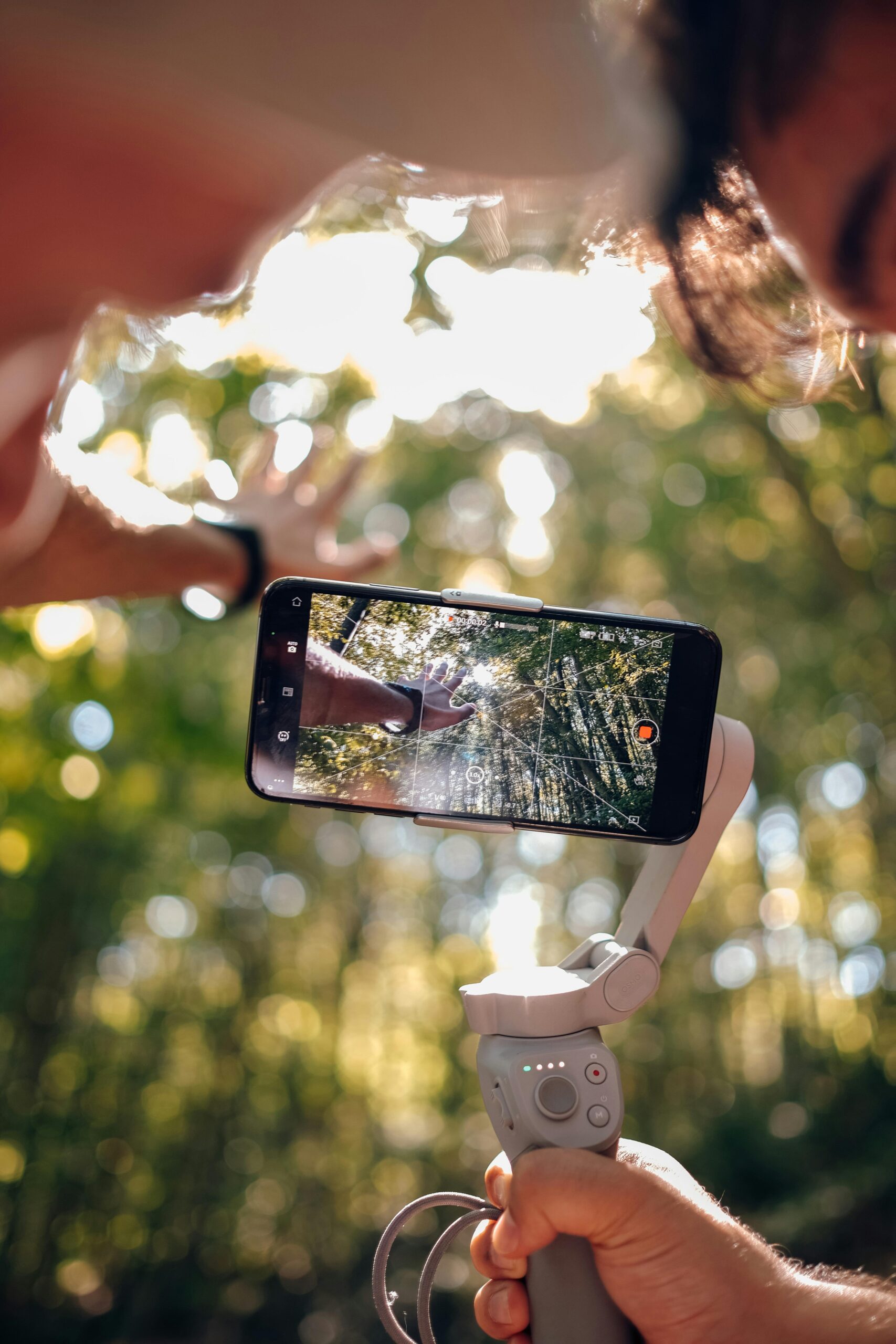
iPhones have become so advanced in their video capabilities that even professionals use them for high-quality productions, from music videos to commercials, short films, and social media content. What was once a complex and expensive process is now accessible to anyone with a phone in their pocket. No matter your experience level, the ability to create professional-level video content is within reach. So, how do you bring your own ideas to life as a beginner?

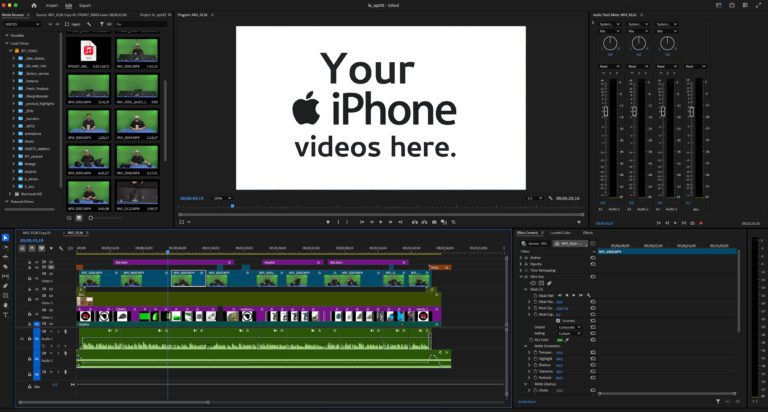
Multimedia producer Jake Baca, with his industry experience, helps you transform iPhone footage into polished, cohesive videos using Adobe Premiere Pro. Join Jake for an engaging, in-depth experience where you tackle the technical side while unlocking your creative potential along the way.

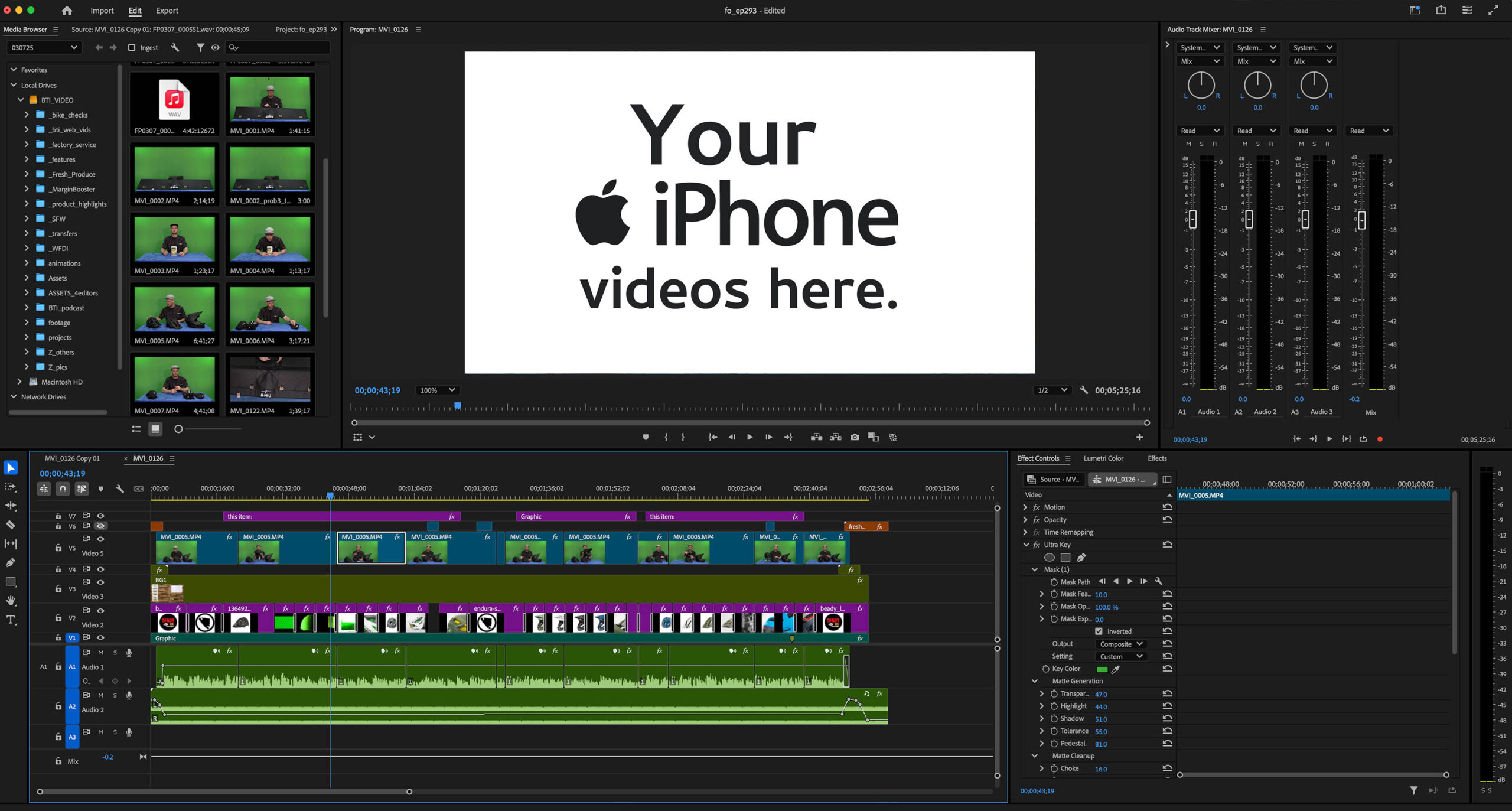
This four-session online workshop starts by exploring the iPhone’s video system, followed by an introduction to Adobe Premiere Pro, where you learn the basics of navigation, media editing, and cutting footage. Through practical exercises, creative assignments, and easy-to-understand demonstrations, you learn to enhance your videos with music, effects, and refined edits. The workshop wraps up with audio editing techniques and instructions for exporting your final project to a mobile device.

Whether you’re completely new to video editing or looking to refine your skills, this workshop provides the tools, guidance, and feedback needed to take your iPhone footage to the next level. With a focus on creative growth, you leave confident in your ability to bring your vision to life.

Session 1:

  • Explore iPhone video features and settings
  • Learn file transfer to Premiere
  • Create a new Premiere project and import media


Session 2:

  • Basics of Adobe Premiere
  • Understand control functions and panel system
  • Navigate Premiere windows


Session 3:

  • Hands-on media editing
  • Apply learned concepts


Session 4:

  • Audio editing fundamentals
  • Export and transfer project to a mobile device

Additional Information

WHO SHOULD ATTEND:
Amateurs, Advanced Amateurs
What You Should Know:

No prior filmmaking experience is required. This workshop is perfect for photographers who want to apply their visual skills to video, as well as other creatives new to the filmmaking process.

Participants must have an iPhone (any model) and need to purchase or download the free trial of Adobe Premiere Pro. Adobe Premiere Pro Free Trial

Policies:

View Withdrawal and Transfer Policies for online programs.

For the convenience of participants, recordings of each class session are posted privately for one month after the end of each session. Santa Fe Workshops takes the recordings down after one month to protect the intellectual property of our instructors.

about
Jake Baca

Jake Baca is a multimedia producer with over 16 years of experience creating diverse media across multiple industries. Starting his career at 20, he quickly developed a passion for production, managing and building studios in various disciplines. He has collaborated with brands, businesses, nonprofits, artists, and entrepreneurs, helping them thrive in a constantly evolving digital world.

Now based in Santa Fe, Jake works on commercial projects, creative content, and brand storytelling, bringing a fresh perspective to media production. Specializing in editing across various platforms, he focuses on making high-quality production techniques accessible to everyone. His teaching style is hands-on and approachable, ensuring that all students gain confidence in the editing process.

When he’s not in the studio, Jake enjoys exploring New Mexico’s landscapes, spending time with loved ones, and disconnecting from the digital world.

Website: jakebaca.com

Gorman on Gorman: Five Decades

November 17 - 19, 2020

Finding Your Voice

December 15 – 17, 2020

Wild Stories: The Perilous Art of Adventure Writing

December 1 – 4, 2020

Color, Light, and Design

January 4 - 21, 2021

You May Also Like

Nikon Z8 and Z9 Cameras: In-Depth Features

with Lindsay Silverman

June 8 – 18, 2026
– Summer Season

The Fine-Art Digital Print

with Cotton Miller

June 29 – July 3, 2026

Canon EOS R Series: In-Depth Features

with Nathan Bett

June 17 – 26, 2026

Fujifilm X Series: In-Depth Features

with Rick Berk

July 21 – 31, 2026
– Summer Season

Color Light Action Pattern

with Nevada Wier

June 29 – July 3, 2026

Sony Alpha a7 Series: In-Depth Features

with Rick Berk

August 3 – 13, 2026

Creative Foundations in Photoshop

with Shelley Vandegrift

April 1 – 29, 2026

The Soul of Portraiture: A Four-Day Portrait Photography Immersion

with Fritz Liedtke

May 12 – 15, 2026
– Summer Season

Commercial & Outdoor Photography: From Foundation to Client Delivery

with Sofía Jaramillo

July 6 – 10, 2026

Expressive Abstract Photography: Creativity in the Digital Darkroom

with Shelley Vandegrift

July 20 – 24, 2026

The Complete iPhone Photography Workshop

with Pei Ketron

July 27 – 31, 2026

Creative Vision with Low-Light and Flash Photography

with Nevada Wier

March 17 and 19, 2026
– Summer Season

Layered Abstractions: Combining ICM, ME & Gathered Elements

with Stephanie Johnson

June 29 – July 3, 2026
– Summer Season

The Storyteller: Creative Compositing with Adobe Photoshop

with Brooke Shaden

July 13 – 17, 2026

Apple iPhone Camera: In-Depth Features

with Tom Gaukel

October 1 – 12, 2026

Travel Stories with Your iPhone

with Jennifer Spelman

October 19 – 23, 2026