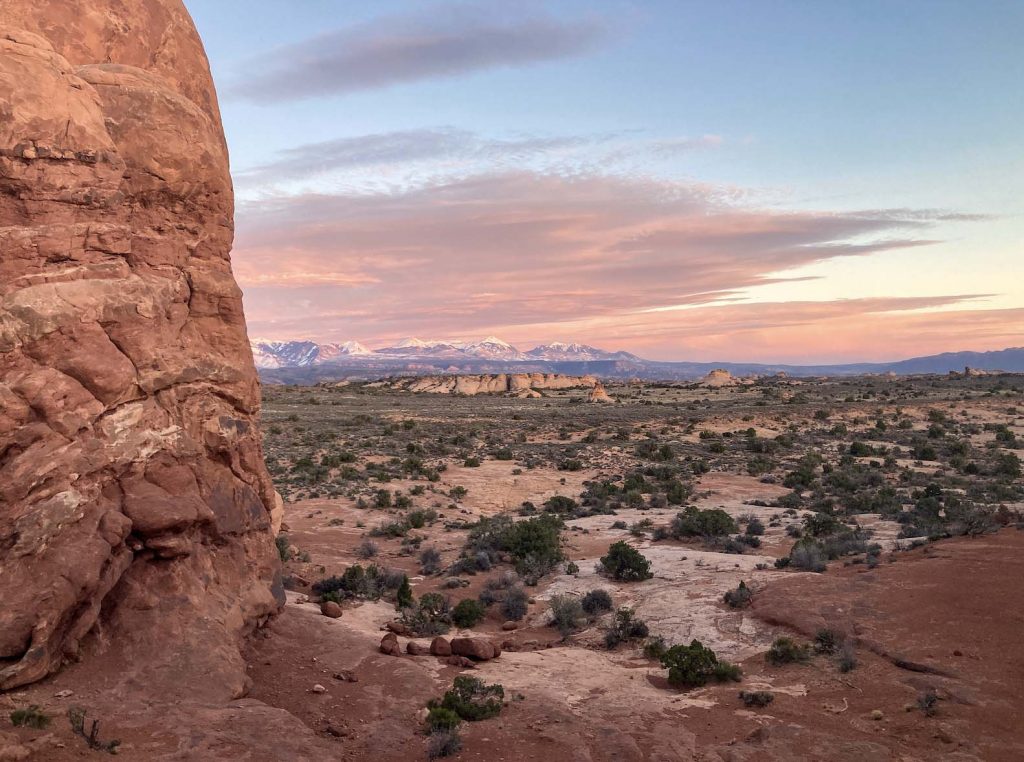
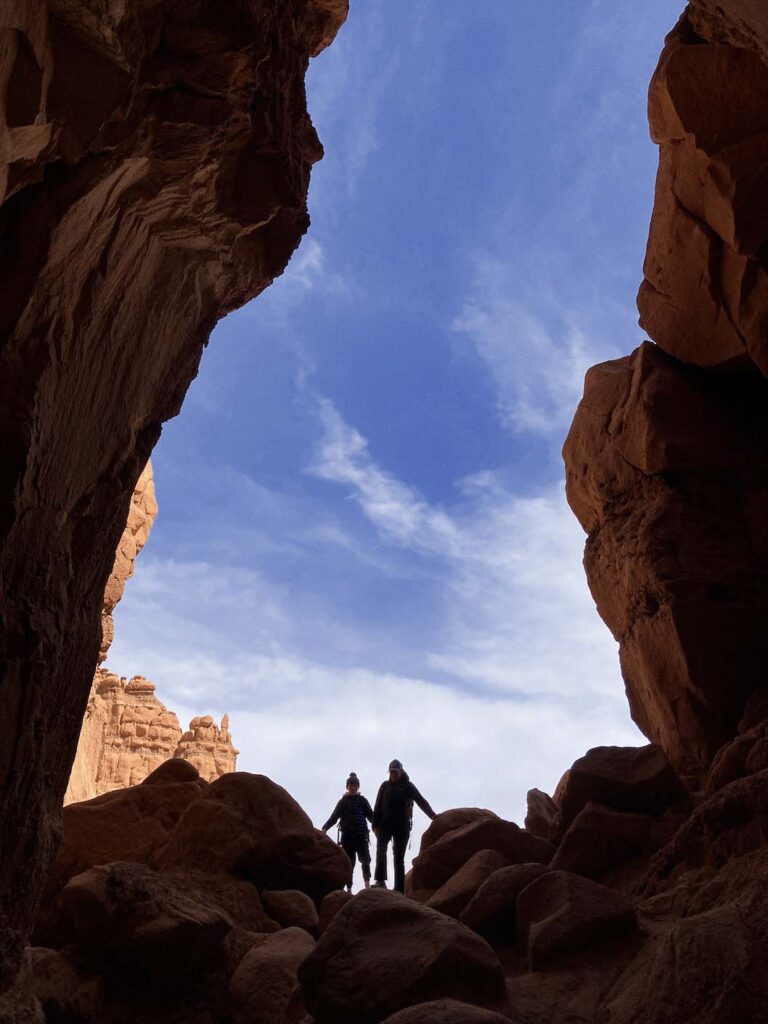
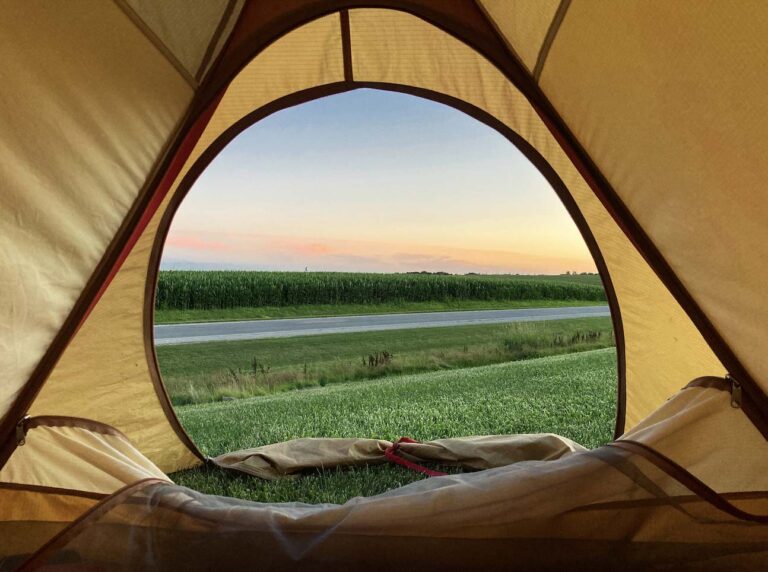
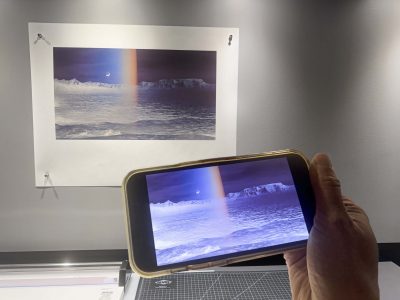
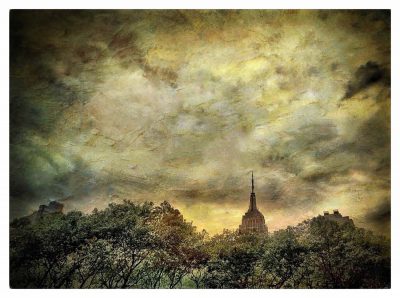
© Tom Gaukel
Online

Apple iPhone Camera: In-Depth Features

with Tom Gaukel

February 1 – 11, 2027

Mondays and Thursdays; 9:30 – 11:30 am (Mountain Time)
  • Tuition $495.00

Course Description

The iPhone camera is the most widely used camera in the history of photography, but most people are only using a fraction of its true imaging potential. This online workshop takes a thorough look at the iPhone camera’s powerful features and helps you take advantage of the advanced technology to get better results, whether you are photographing portraits, landscapes, or documenting your travels.

In four online sessions over two weeks, photographer and longtime iPhone aficionado Tom Gaukel helps you become more comfortable with the iPhone camera’s physical controls by demonstrating how to quickly activate the camera, use the numerous shutter release techniques, and move between the multiple lenses. We look at each of the camera modes (time-lapse, slo-mo, video, photo, portrait, pano, cinematic, and spatial) and the plethora of settings within each mode, like live photos, styles, image stabilization, night mode, macro, and dual capture.

Once the basics have been covered, Tom explores some of the more advanced features that can help take your iPhone photography to a level comparable with a traditional camera. We delve into subjects such as 48-megapixel capture, ProRAW, and many of the other system-level camera settings. We also move beyond the stock iPhone Camera app and survey some third-party camera apps that can give you greater control and provide creative features like double exposure.

After mastering image capture, we move on to the file management and editing phase using both the mobile and desktop versions of the Apple Photos app. The workshop also covers strategies for syncing photos with the cloud, accessing iPhone images from your desktop computer, and preventing your iPhone from running out of storage. Lastly, we take a brief look at Lightroom mobile and desktop and discuss how it compares to the Apple Photos app.

Here is an overview of the workshop schedule and what’s covered during each class session:

Session 1:

  • Evolution of the iPhone camera
  • Photo mode
  • Lenses


Session 2:

  • Portrait, Cinematic, Pano, Video, Front Camera, Time-lapse, Slo-mo and Spatial modes
  • Dynamic examples of images made in each mode


Session 3:

  • Resolution and file formats for stills and video
  • Other camera settings/preferences
  • Third-party apps for enhanced camera control
  • External hard drives, battery packs and tripod mounts


Session 4:

  • File management, syncing with the cloud
  • Editing images with iPhone Photos mobile and Photos desktop
  • Other creative apps for editing


Join us online this spring to maximize your understanding of the astounding photography features on Apple’s iPhone.


Additional Information

WHO SHOULD ATTEND:
Amateurs, Advanced Amateurs
What You Should Know:

A basic working knowledge of your iPhone 13 or higher model.

Special Notes:

Class will meet 9:30 – 11:30 am (Mountain Time) on Mondays and Thursdays starting February 1 and ending February 11 (four online group sessions). Enrollment is limited to 14 participants.

Zoom Video Conferencing software (available for no charge from Zoom.com) will be used to facilitate the class sessions. Further details will be emailed to registrants.

These live online sessions take place in the standard Zoom meeting format. Students can use their microphone and camera, see and hear the instructor and other students, and participate in live discussion and interaction throughout the sessions.

Santa Fe Workshops always aims to produce a high-quality experience for our online attendees. That said, variables including regional and local internet provider speeds, traffic on Zoom's servers, and your own computing hardware can contribute to a less than ideal streaming event. While we do our best to minimize the impact of these variables, they are outside the control of Santa Fe Workshops.

Policies:

View Cancellation and Transfer Policies for online programs.

Recording class sessions using personal devices or third-party tools is not permitted. Session recordings are provided by Santa Fe Workshops and are available to enrolled students for two months after the class. This policy helps protect the intellectual property and privacy of both instructors and students.

about
Tom Gaukel

Tom Gaukel started taking photos when he was given his grandfather’s Kodak Retina camera and a light meter at the age of 10. Since then, he has worked in a few camera stores, taken tourist portraits on the top of a mountain, and worked as a freelance photographer. Tom has witnessed firsthand the photographic world change from film to digital, DSLR to Mirrorless, and now from traditional cameras to iPhone cameras—which he’s been experimenting with since he got his first iPhone in 2008 with a whopping 3.2-megapixel camera.

Tom was introduced to Adobe Photoshop v. 3.0 while a Graphics Editor at John Muir Publications, and soon after began working as a teaching assistant in the Digital Lab at Santa Fe Workshops where he honed his Photoshop skills. He led several classes at the Workshops before striking out as a retoucher.

Today, Tom is a freelance retoucher working on beauty, fashion, product, automotive, and entertainment imagery for clients in the US and Europe. He’s retouched photos by many esteemed photographers, including Ryan McGinley, Paolo Roversi, Bruce Weber, and Martin Parr, and has worked on projects for companies and publications such as Purple Magazine, Adidas, Uniqlo, Showtime, American Crew, Kate Spade, and British Vogue.

Tom has a BA in political science from Western Colorado University and an MA in liberal arts from St. John’s College.

Photography Website: tomgaukelphotography.com
Retouching Website: digiphotodesign.com

Instagram: @tomgaukel

You May Also Like

Nikon Z8 and Z9 Cameras: In-Depth Features

with Lindsay Silverman

December 1 – 10, 2026

Web Design for Photographers

with Cotton Miller

February 10 – March 10, 2027

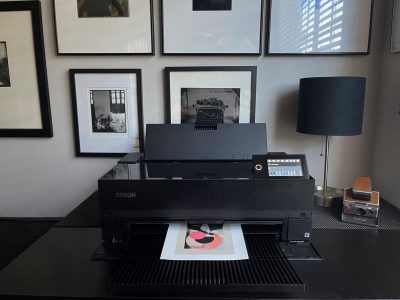
Fundamentals of Digital Printing

with Cotton Miller

November 11 – December 16, 2026

Making Digital Negatives and Cyanotypes

with Cotton Miller

January 6 – 27, 2027

Canon EOS R Series: In-Depth Features

with Nathan Bett

December 9 – 18, 2026

Fujifilm X Series: In-Depth Features

with Rick Berk

December 3 – 14, 2026

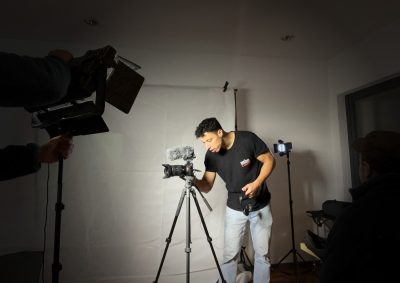
Introduction to Video Storytelling for Photographers

with Marco Serventi

February 3 – March 10, 2027

Introduction to Digital Photography and Adobe Lightroom Classic

with Will Van Beckum

February 27 – April 3, 2027

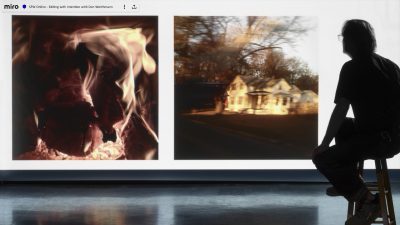
Editing with Intention

with Don Werthmann

January 9 – 30, 2027

Developing a Creative Body of Work with AI

with Ann Cutting

November 3 – December 8, 2026

Sony Alpha a7 Series: In-Depth Features

with Rick Berk

December 1 – 12, 2026

Fine-Art Printmaking from Your iPhone

with Christine Alexander

December 10 – 13, 2026

The Image Reimagined Using Mixed Media: A Creative Retreat in Santa Fe

with Jill Burkholder, Dan Burkholder, Sandra Carrion & Patricia Beary

November 2 – 6, 2026

The Magical Mobile Darkroom: Editing on Your iPhone or iPad

with Shelley Vandegrift

November 9 – 19, 2026

Intimate Death Valley: Slices of a Vast Landscape

with Alex Noriega

January 26 – 29, 2027

The Expressive iPhone: Creating with Artistic License

with Renee Lynn

December 1 and 3, 2026