Perspectives

Practical Uses of AI in Photoshop for Photographers

with Josh Withers

Online registration for this program has closed. To check availability, find out about future dates, or if you would like further information, please call 505-983-1400 ext. 111. Also, get the SFW E-Newsletter for updates!

Sign-up for the Newsletter:

Course Description

Unlock the magic of AI tools in Adobe Photoshop to streamline your workflow and elevate your photography to the next level. Join longtime Photoshop power user Josh Withers for a two-session webinar this winter to learn the new AI tools in step-by-step demonstrations. Practice files are provided for hands-on experience to follow along with, or to practice with on your own time.

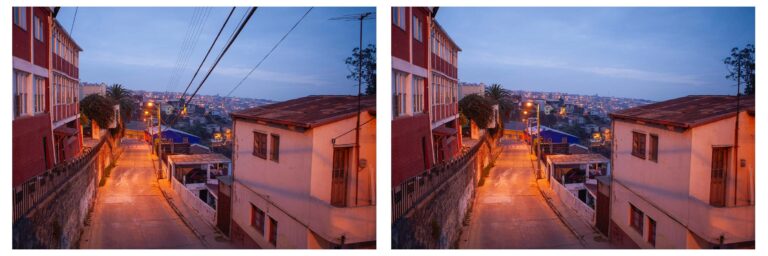
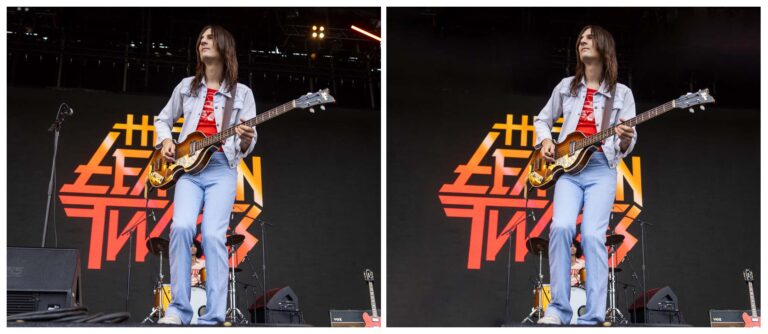
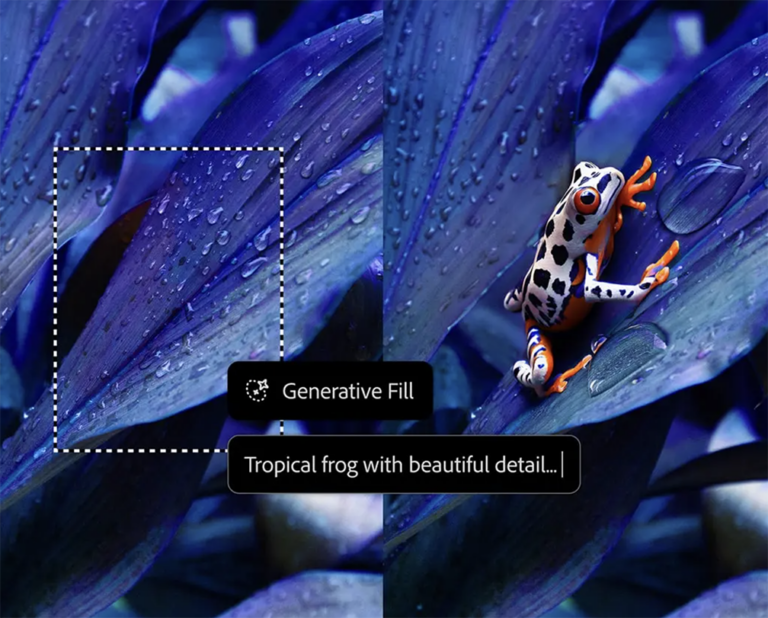
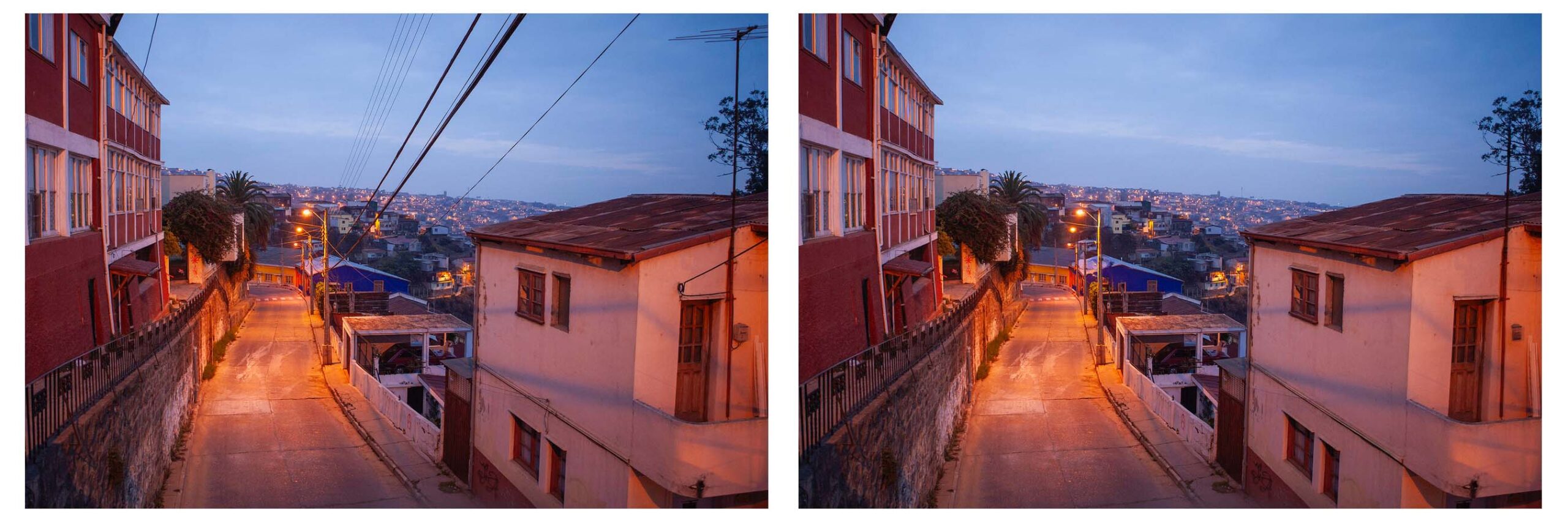
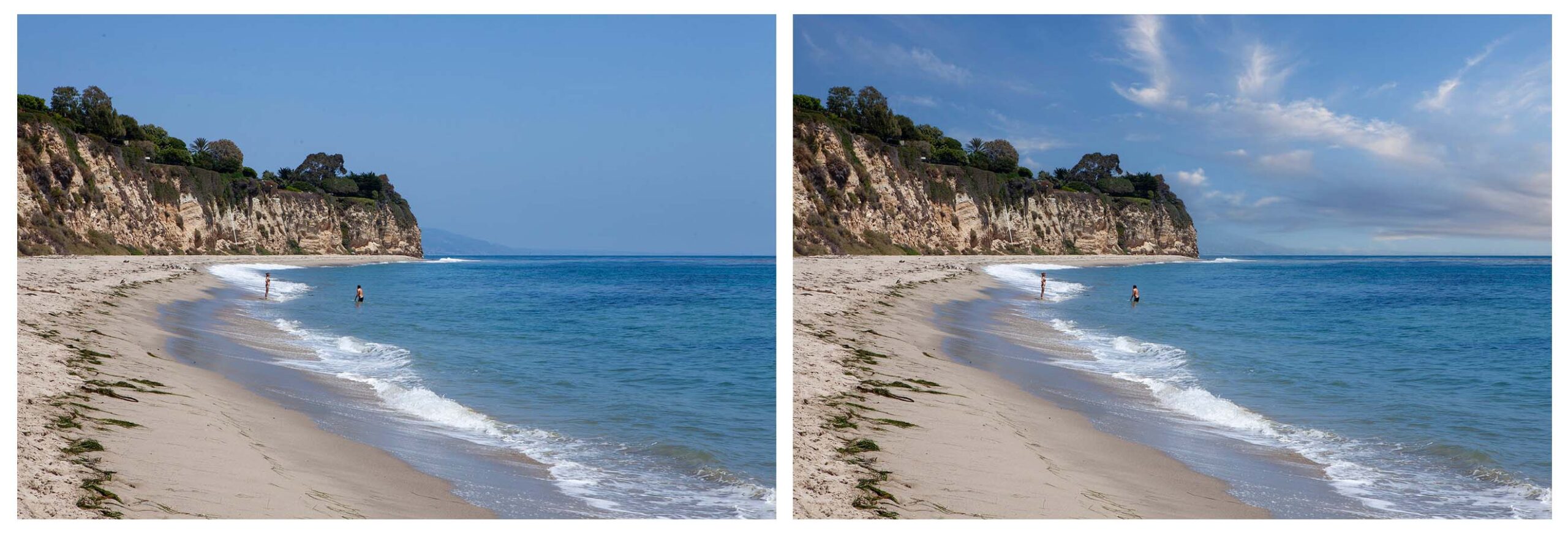
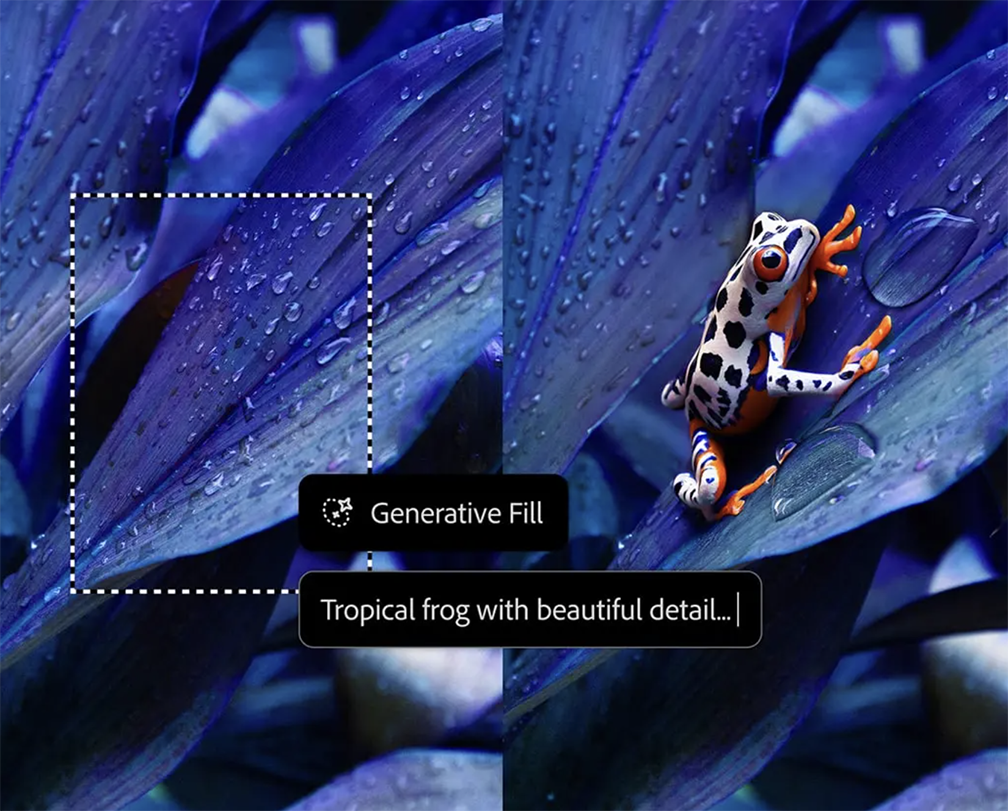
With Generative AI in Photoshop, you can create just about anything you can imagine. Quickly delete unwanted elements like wires and people with Distraction Removal. Add rich, detailed elements that blend seamlessly into a scene using the most advanced Generative Fill yet. And extend any image with Generative Expand. Although AI tools are featured, discussions on layers, selections, and Adobe Camera RAW are also covered as they are all necessary for a proper approach to working in Photoshop. The goal of this program is not to create a fantasy world using AI prompts but to solve the practical challenges we face editing our photographs using the modern AI tools that can make our editing job easier, and quicker.

A basic understanding of Photoshop is preferred, although fundamental concepts are discussed regarding workflow from Lightroom and what not to do in Photoshop by using a non-destructive workflow instead.

Join Josh to learn the practical use of AI tools in Photoshop that make your life a whole lot easier.

Additional Information

WHO SHOULD ATTEND:
All are welcome
What You Should Know:

A basic understanding of Photoshop is preferred, although fundamental concepts are discussed.

Policies:

View Withdrawal and Transfer Policies for online programs.

For the convenience of participants, recordings of each class session are posted privately for one month after the end of each session. Santa Fe Workshops takes the recordings down after one month to protect the intellectual property of our instructors.

Categories
2-Day, Applications, Digital Workflow, Technical
about
Josh Withers

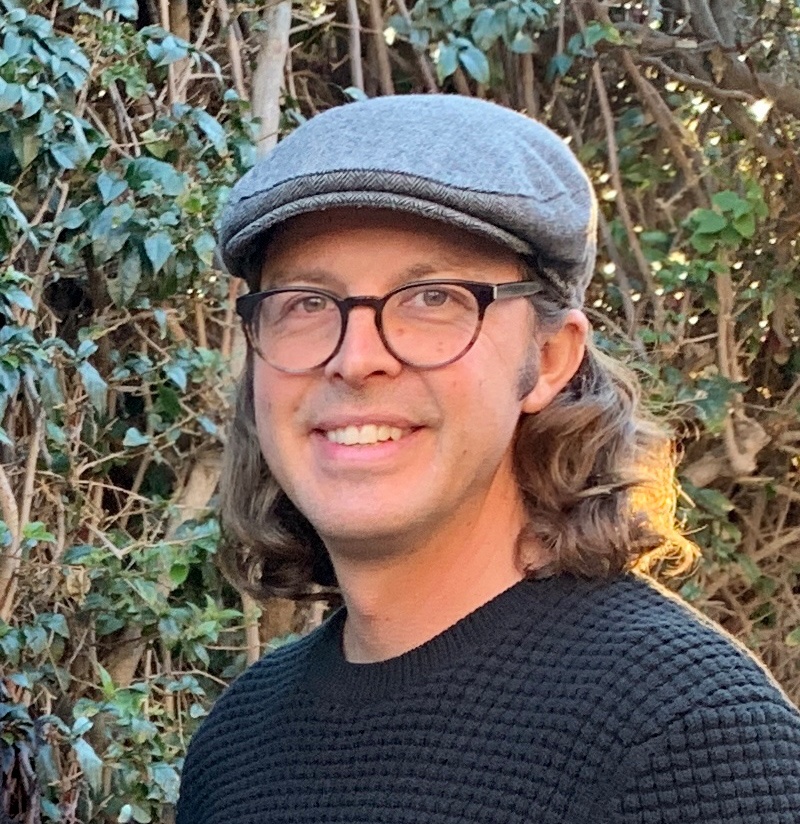
Josh Withers has been using Photoshop since 1992 and has been part of the Adobe Photoshop beta testing team since 2002. As a Senior Level Digital Photoshop Artist, he has performed high-end, flawless imagery for many of the world’s top brands and photographers.

Josh earned a BFA from the University of Delaware and continued his education working alongside a diverse number of photographers and preeminent digital artists at Santa Fe Photographic Workshops. It was at the Workshops that Josh also began his part-time career as an instructor in 1998. Josh has also taught at the Pasadena Art Center College of Design and Miami Ad School. He became a full-time instructor within the Photography Department at Santa Monica College in 2014.

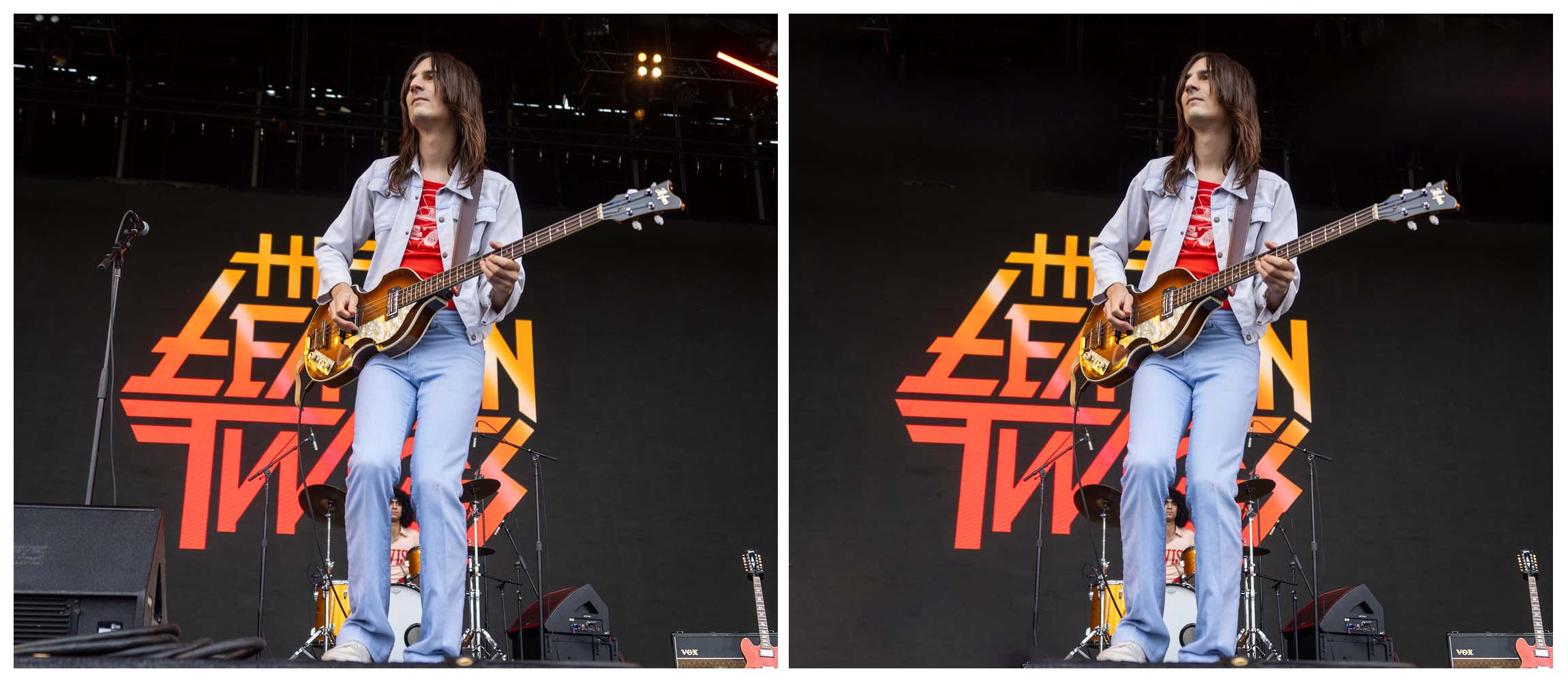
Prior to becoming a full-time instructor, Josh spent 11 years as an in-house photographer and senior Photoshop artist for TBWA\Chiat\Day. He has photographed products, people, and animals for top brands such as Pepsi, Gatorade, Nissan, Priceline, Manduka, and Pedigree. Between his advertising and his editorial/concert photography, his images have been seen on billboards and magazines throughout the country and online publications.

Josh’s advertising photography work earned TBWA\Chiat\Day two Kelly Awards, a Lucie Award nomination and consistent recognition in Communication Arts. His concert photography was recognized by the industry magazine Photo District News, winning a People’s Choice Award for the Ultimate Music Moment Photo Contest. He has also been a featured artist in the Modern Collodion web feed for his wet plate photography.


Website: http://www.joshwithers.com

Instagram: @jj_withers

Concert Photo Instagram: @photosinstereo

Practical Uses of AI in Photoshop for Photographers

February 27 and March 6, 2025

You May Also Like

Fundamentals of Digital Printing

with Cotton Miller

February 11 – March 11, 2026

Photoshop Compositing: A Garden of Delights

with Ryn Clarke

January 5 – 22, 2026

Introduction to Video Storytelling for Photographers

with Marco Serventi

February 4 – March 11, 2026

Introduction to Digital Photography and Adobe Lightroom Classic

with Will Van Beckum

February 28 – April 4, 2026
– Summer Season

Land as Collaborator: Remixing Digital Prints in the Landscape

with Anna Rotty

June 22 – 26, 2026

The Magical Mobile Darkroom: Applications and Techniques for Crafting Compelling Images on Your Mobile Device

with Shelley Vandegrift

January 10, 2026

Creative Foundations in Photoshop

with Shelley Vandegrift

April 1 – 29, 2026

Flawless Skin Retouching in Adobe Photoshop

with Gabriel Isak

January 31 and February 7, 2026

Adobe InDesign for Photographers

with Cotton Miller

January 7 – 28, 2026

Transforming Ideas into Art with Photoshop Collage

with David Julian

February 4 – March 4, 2026

O’Keeffe Country through the Expressive Lens

with Renee Lynn

May 1 – 4, 2026

Umbria Through the Expressive Lens

with Renee Lynn

September 25 – October 2, 2026

Capture to Print: Spring in the Organ Mountains-Desert Peaks National Monument

with Christina Selby

April 6 – 10, 2026

Fujifilm Recipes & Film Simulations

with Alex Armitage

February 10 – 20, 2026

Nikon Imaging Recipes

with Alex Armitage

February 12 – 23, 2026

The Soul of Portraiture: A Four-Day Portrait Photography Immersion

with Fritz Liedtke

May 12 – 15, 2026