Perspectives

Coloring in Maggie’s World

with Maggie Taylor

Online registration for this program has closed. To check availability, find out about future dates, or if you would like further information, please call 505-983-1400 ext. 111. Also, get the SFW E-Newsletter for updates!

Sign-up for the Newsletter:

Course Description

We listened to your requests, so by popular demand — here is the next series of Maggie Taylor’s popular online programming. This one, in May, explores all things COLOR.

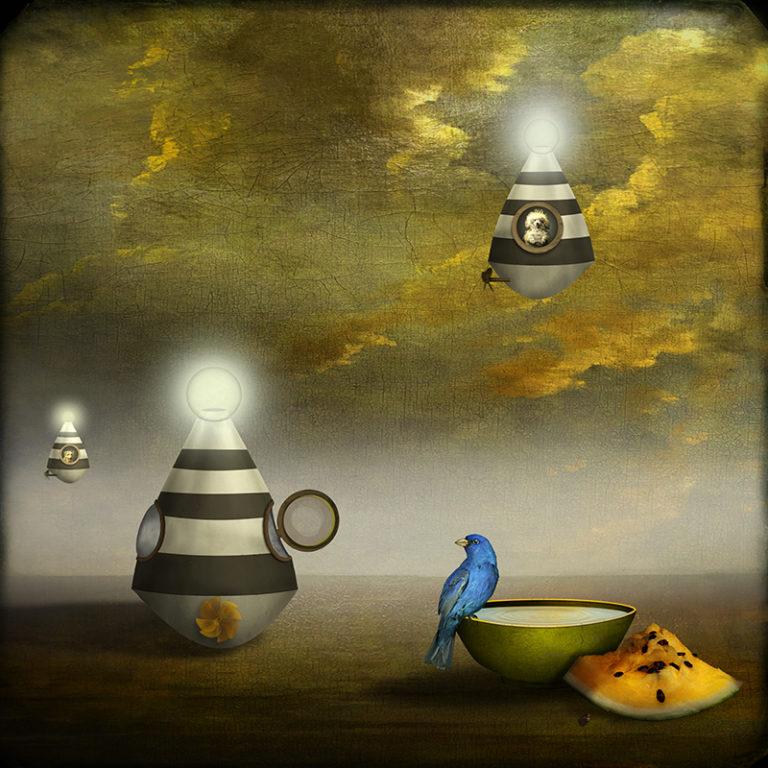
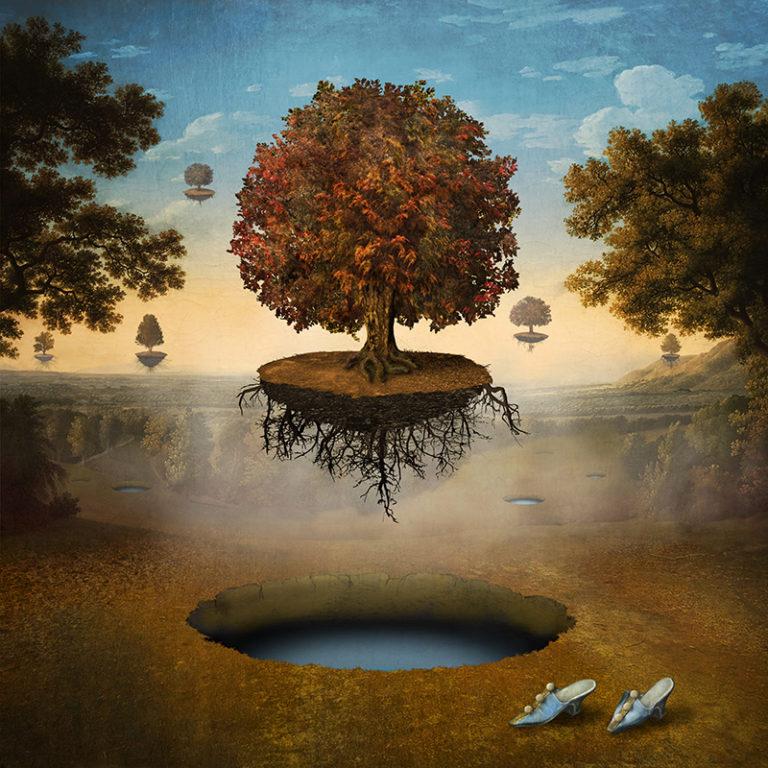
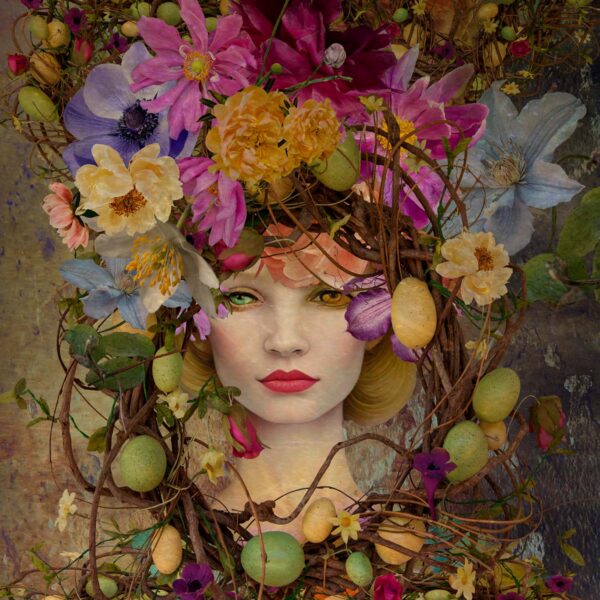
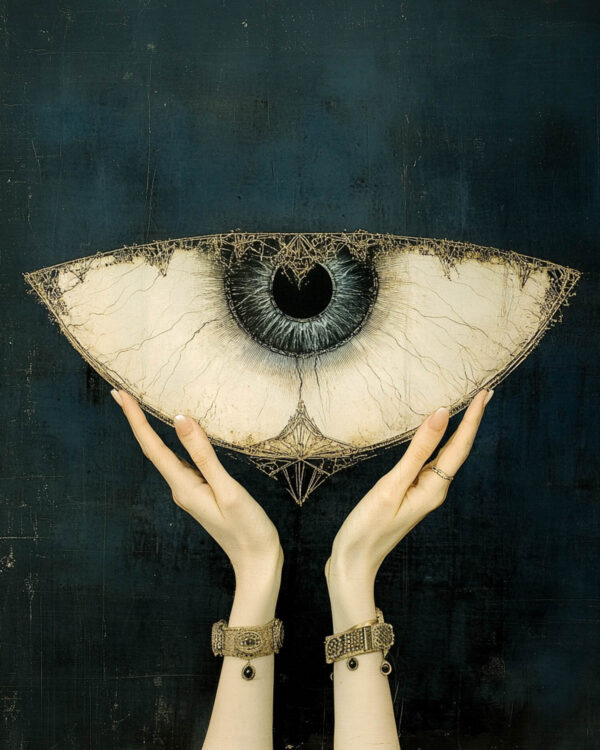
Color pays such a critical role in creating a compelling digital collage, but many times the endless choices can seem overwhelming. Which colors? Why? And do we control them?

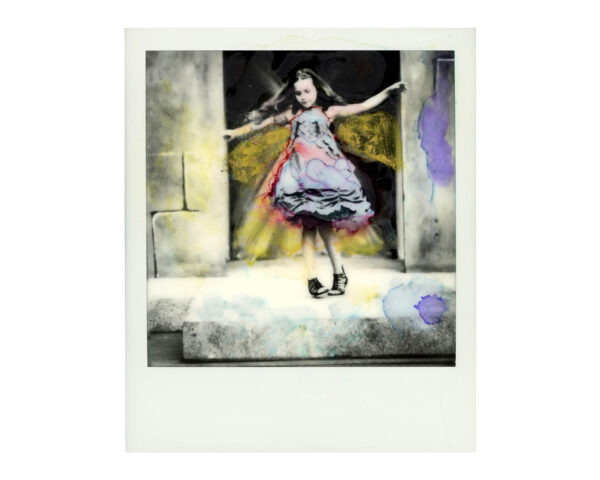
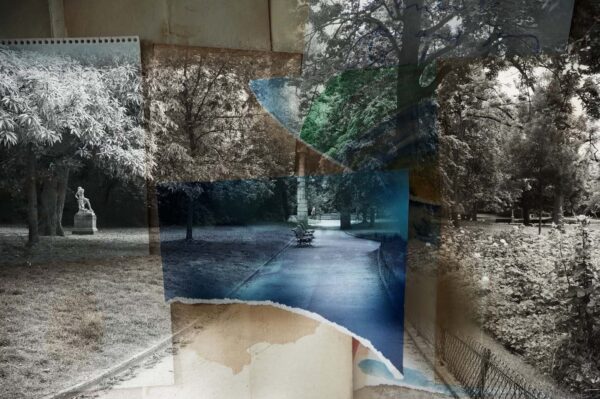
Join Maggie Taylor for a two-session program that explores her techniques for working with color in Adobe Photoshop. These brand new, technique-filled sessions are filled with insights into coloring in Maggie’s world. She shares step-by-step lessons/demos to help shape your color discoveries and include adding color to an antique photograph, manipulating colors in a more realistic image to create a dream-like environment, working with color gradients, and playing with Adobe Capture.

Maggie walks you through her color decision-making process while working on several of her images. Participants will be able to download the same files Maggie uses and access recordings of the Zoom sessions to rebuild the images on their own as a teaching tool. Each group session consists of 90 minutes of insights and demonstrations from Maggie, followed by 30 minutes for questions and answers. Join Maggie for this entertaining and comprehensive presentation on the power of COLOR.


Additional Information

WHO SHOULD ATTEND:

The program is open to people aspiring to improve their Photoshop skills at any level.

What You Should Know:

Participants with intermediate and advanced Photoshop skills, comfortable with layers and masking, will benefit most from this webinar.

Policies:

View Withdrawal and Transfer Policies for online programs.

Categories
Applications, Creative Vision, Fine Art
about
Maggie Taylor

Maggie Taylor spent ten years making color still-life photographs before transitioning to digital imaging in 1997. Her label-defying, whimsical, and poetic images have been collected by numerous museums. Her books include Internal Logic, No Ordinary DaysAdobe Photoshop Master Class: Maggie Taylor’s Landscape of DreamsSolutions Beginning with A, Through The Looking Glass, and Alice’s Adventures in Wonderland, by Lewis Carroll.

Gorman on Gorman: Five Decades

November 17 - 19, 2020

Finding Your Voice

December 15 – 17, 2020

Wild Stories: The Perilous Art of Adventure Writing

December 1 – 4, 2020

Color, Light, and Design

January 4 - 21, 2021

You May Also Like

Photographic Haiku

with M. H. Rubin

January 6 – 23, 2026

iPhone Artistry

with Dan Burkholder

February 9 – 26, 2026

Fundamentals of Digital Printing

with Cotton Miller

February 11 – March 11, 2026

Silver and Gold Leaf Photography

with Marcy Palmer

April 7 – 28, 2026

The Black-and-White Image

with Carlan Tapp

March 7 – 25, 2026

The Language of Polaroid: Exploring Your Creative Potential

with Jari Poulin

February 5 – March 12, 2026

Photoshop Compositing: A Garden of Delights

with Ryn Clarke

January 5 – 22, 2026

The Expressive Lens

with Renee Lynn

April 2 – 23, 2026

Introduction to Video Storytelling for Photographers

with Marco Serventi

February 4 – March 11, 2026
– Summer Season

Land as Collaborator: Remixing Digital Prints in the Landscape

with Anna Rotty

June 22 – 26, 2026

Emotions and the Ephemeral World of Florals

with Leanne Trivett S.

January 14 – February 11, 2026
– Summer Season

The Handmade Artist Book

with Diana Bloomfield

July 20 – 24, 2026
– Summer Season

Documentary Storytelling

with Matt Black

July 20 – 24, 2026

Creative Collage: Techniques for Visual Storytelling

with Sarah Hadley

January 13 – February 3, 2026

Urban Impressions: A New Way of Seeing

with Pedro Correa

March 11 – 30, 2026

The Magical Mobile Darkroom: Applications and Techniques for Crafting Compelling Images on Your Mobile Device

with Shelley Vandegrift

January 10, 2026