Perspectives

Digital Collage 1.0

with Maggie Taylor

Online registration for this program has closed. To check availability, find out about future dates, or if you would like further information, please call 505-983-1400 ext. 111. Also, get the SFW E-Newsletter for updates!

Sign-up for the Newsletter:

Course Description

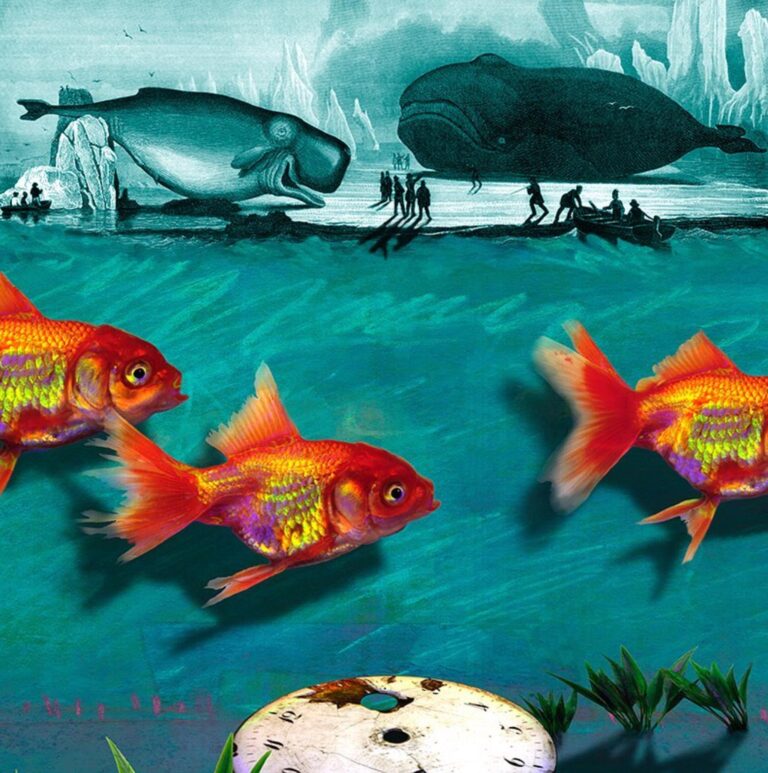
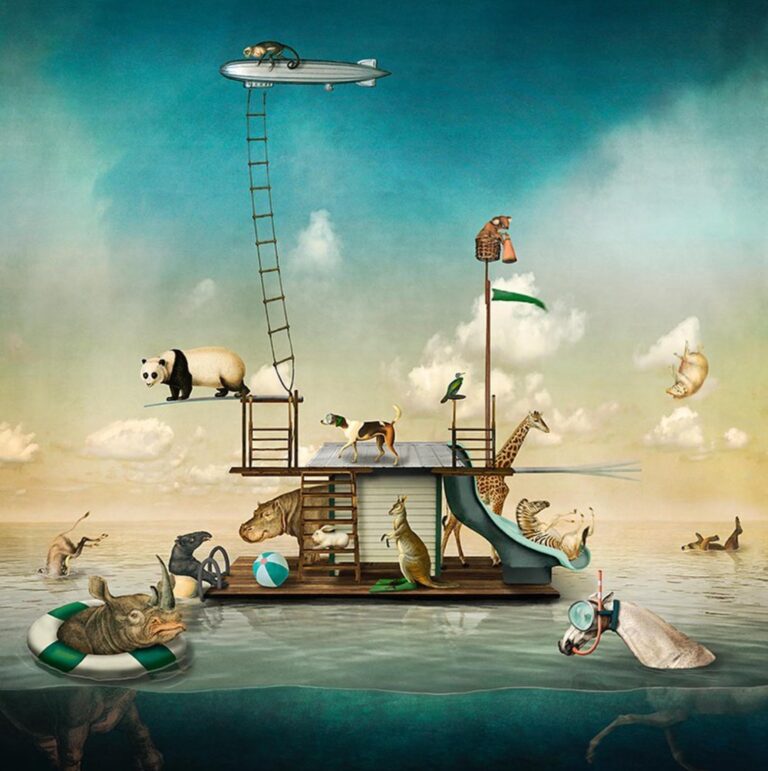
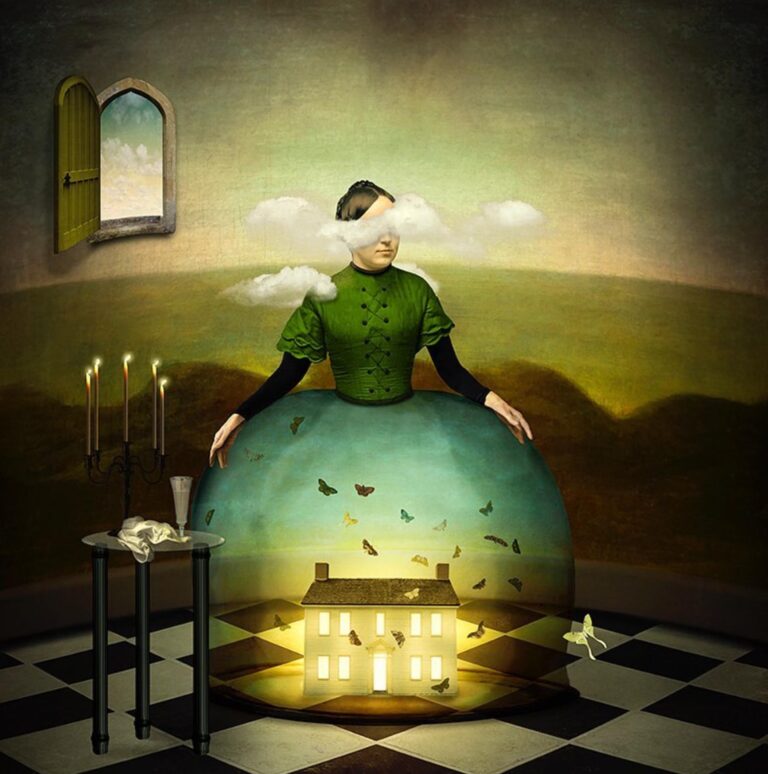
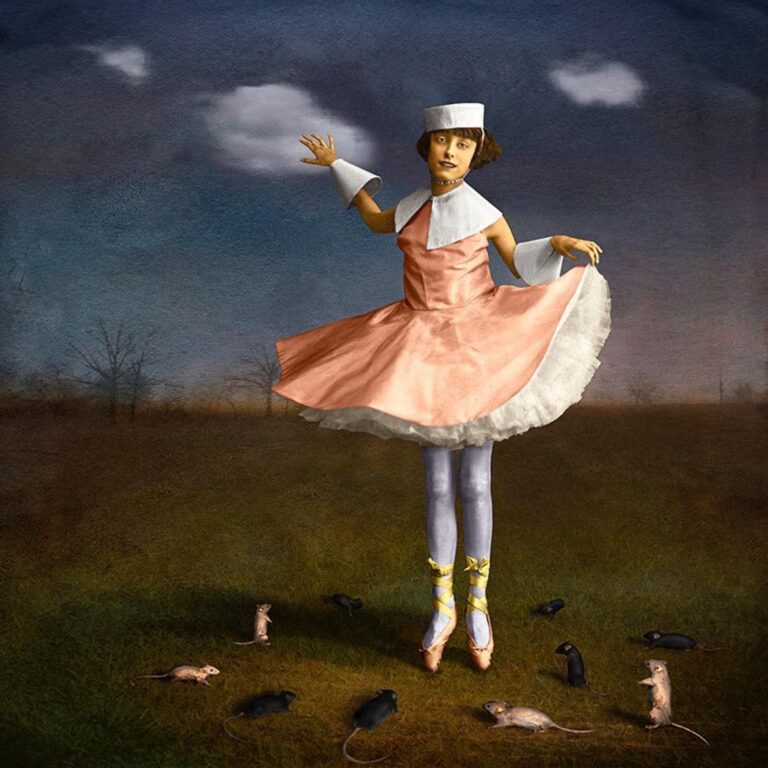
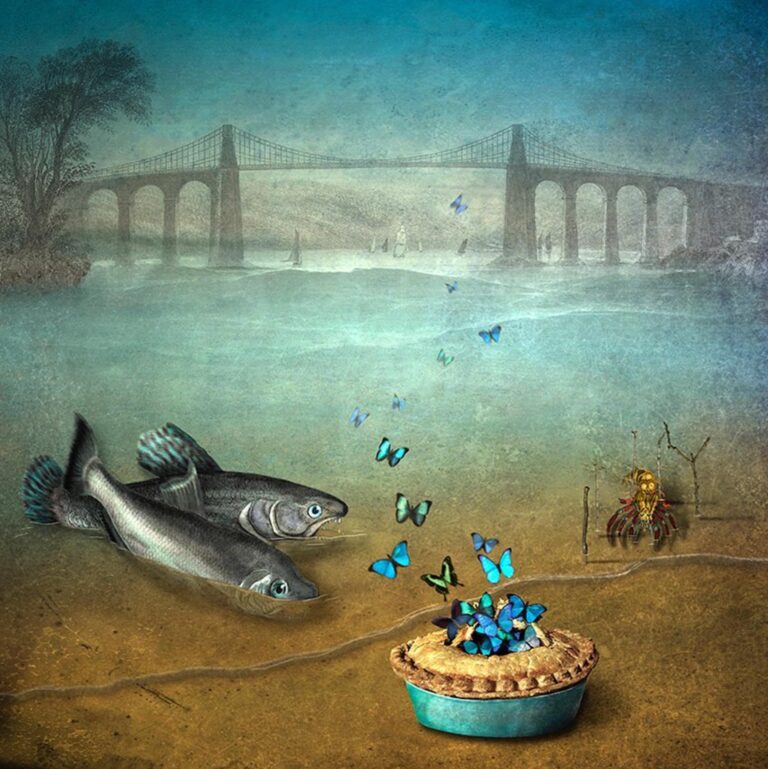
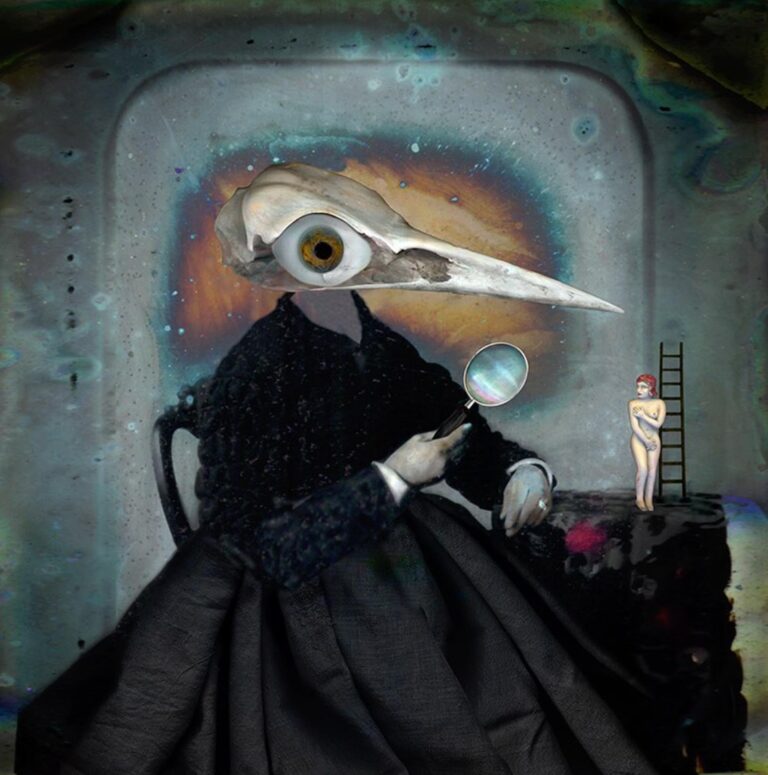
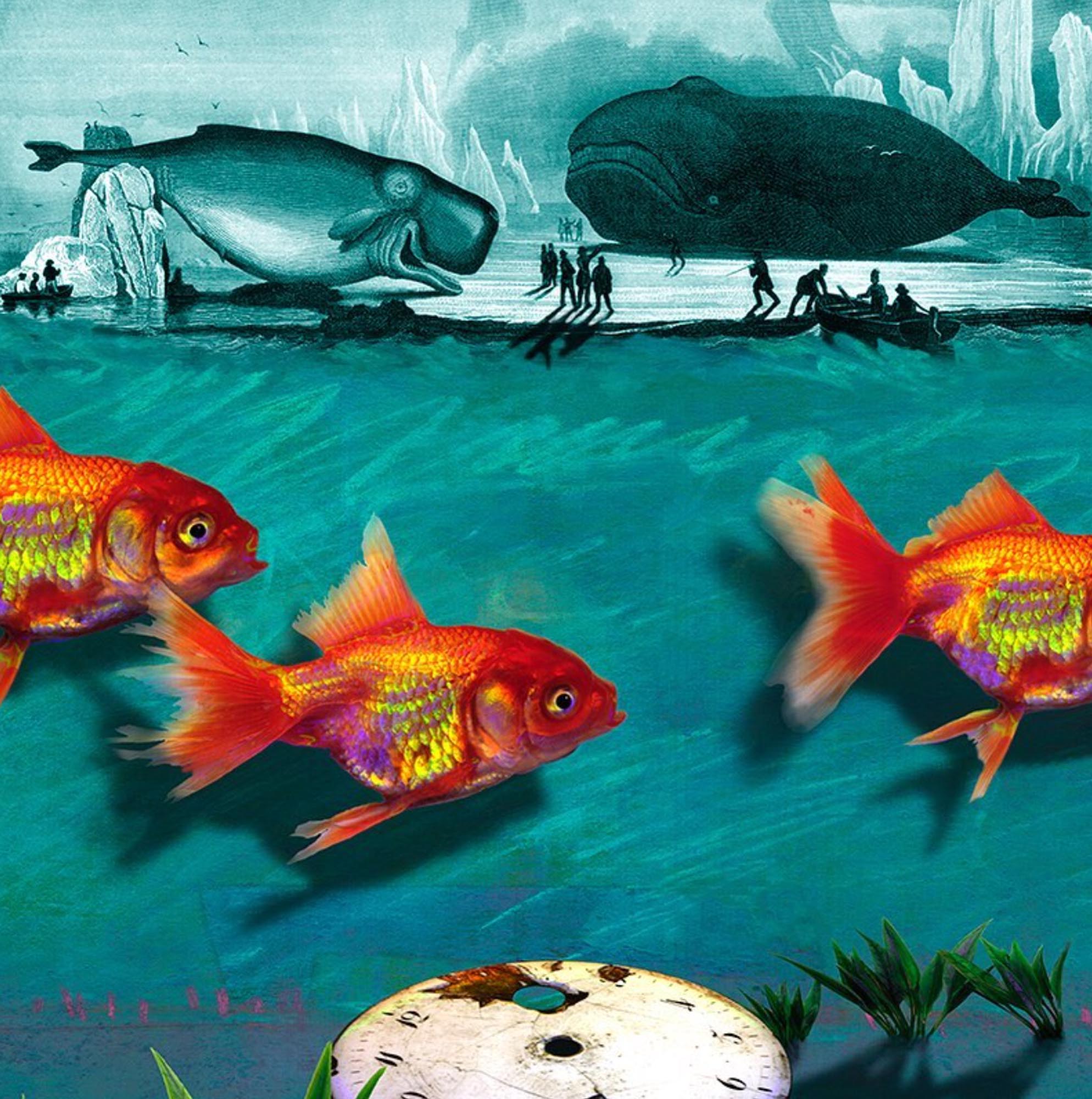
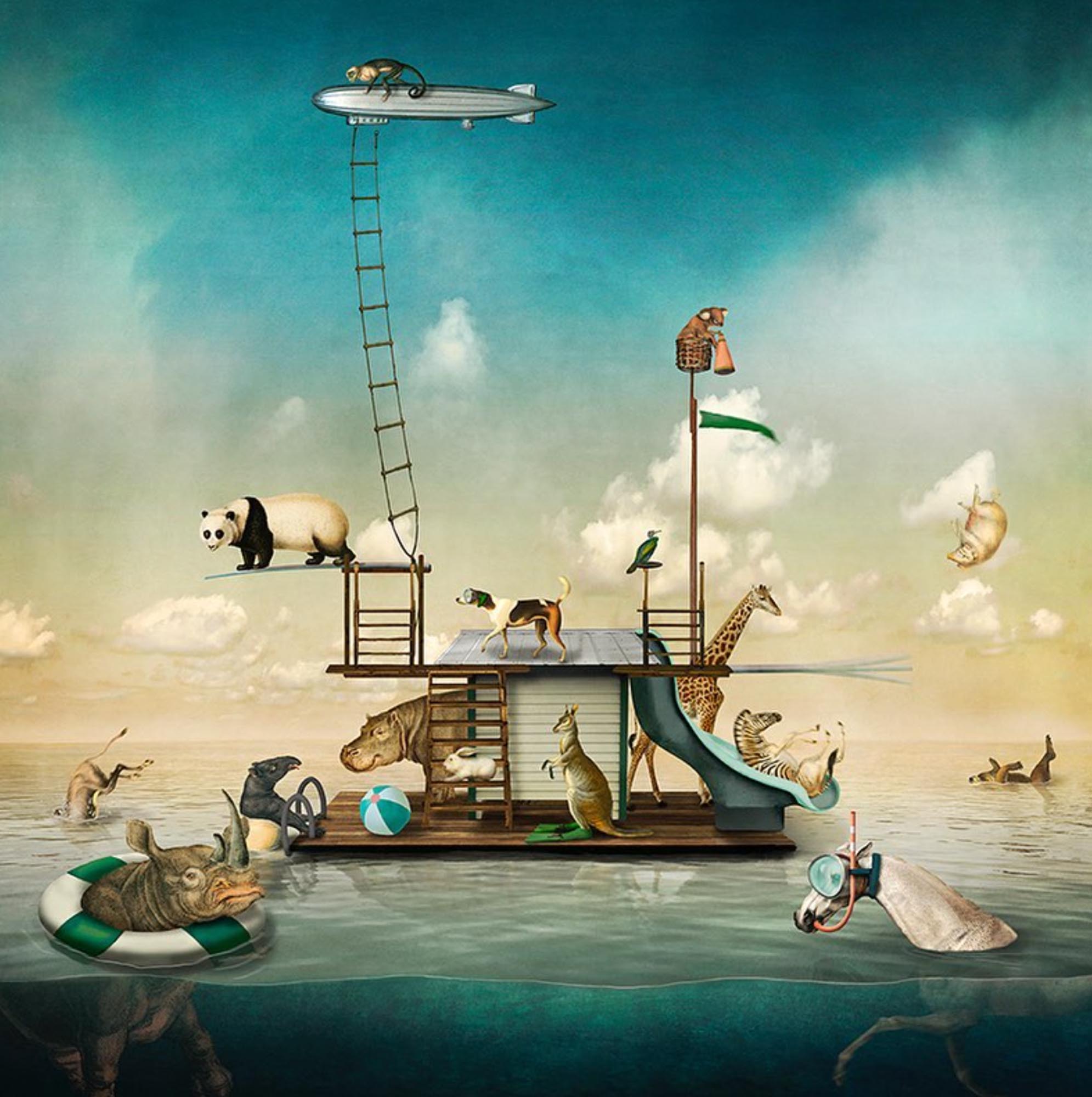
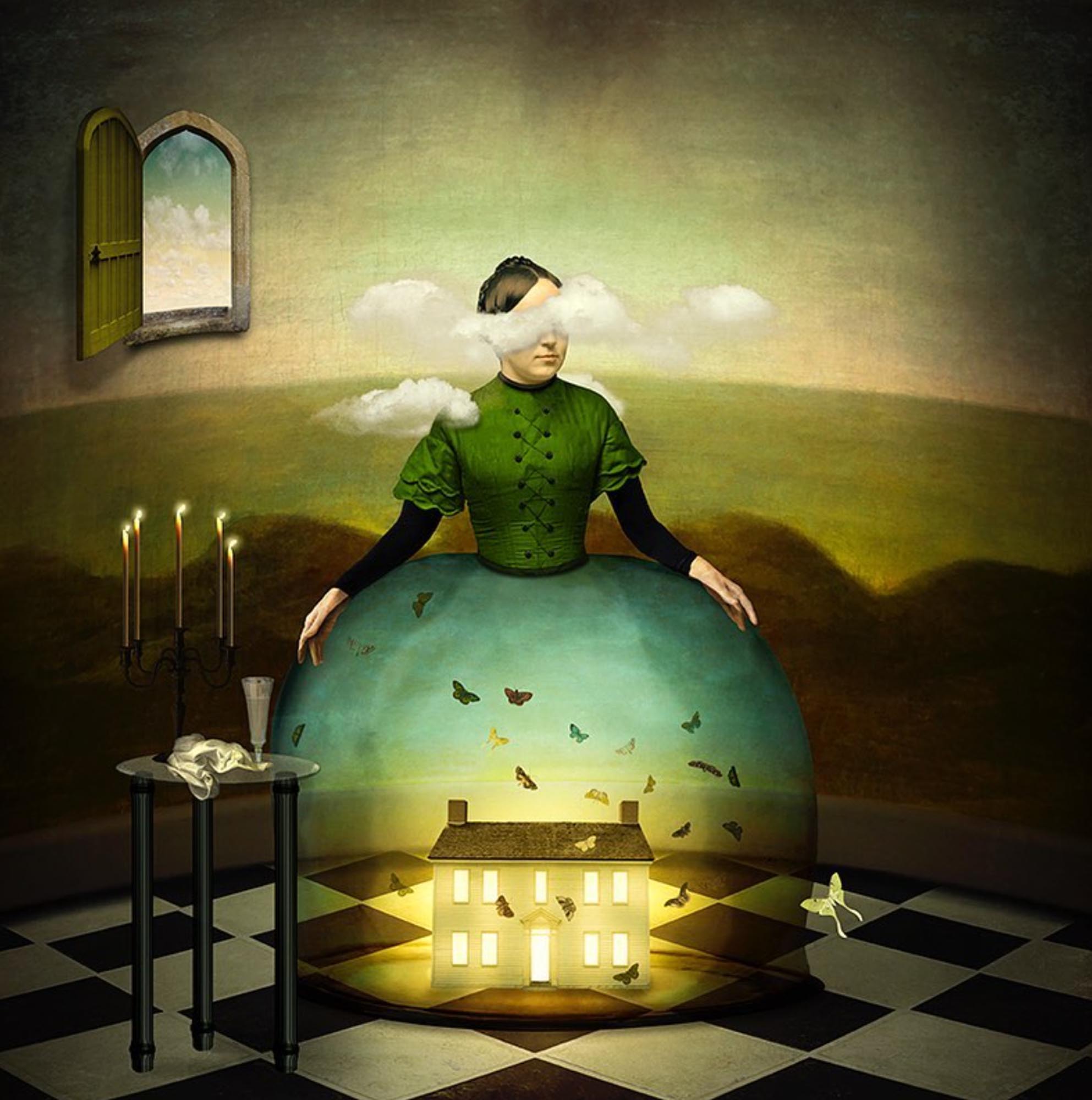
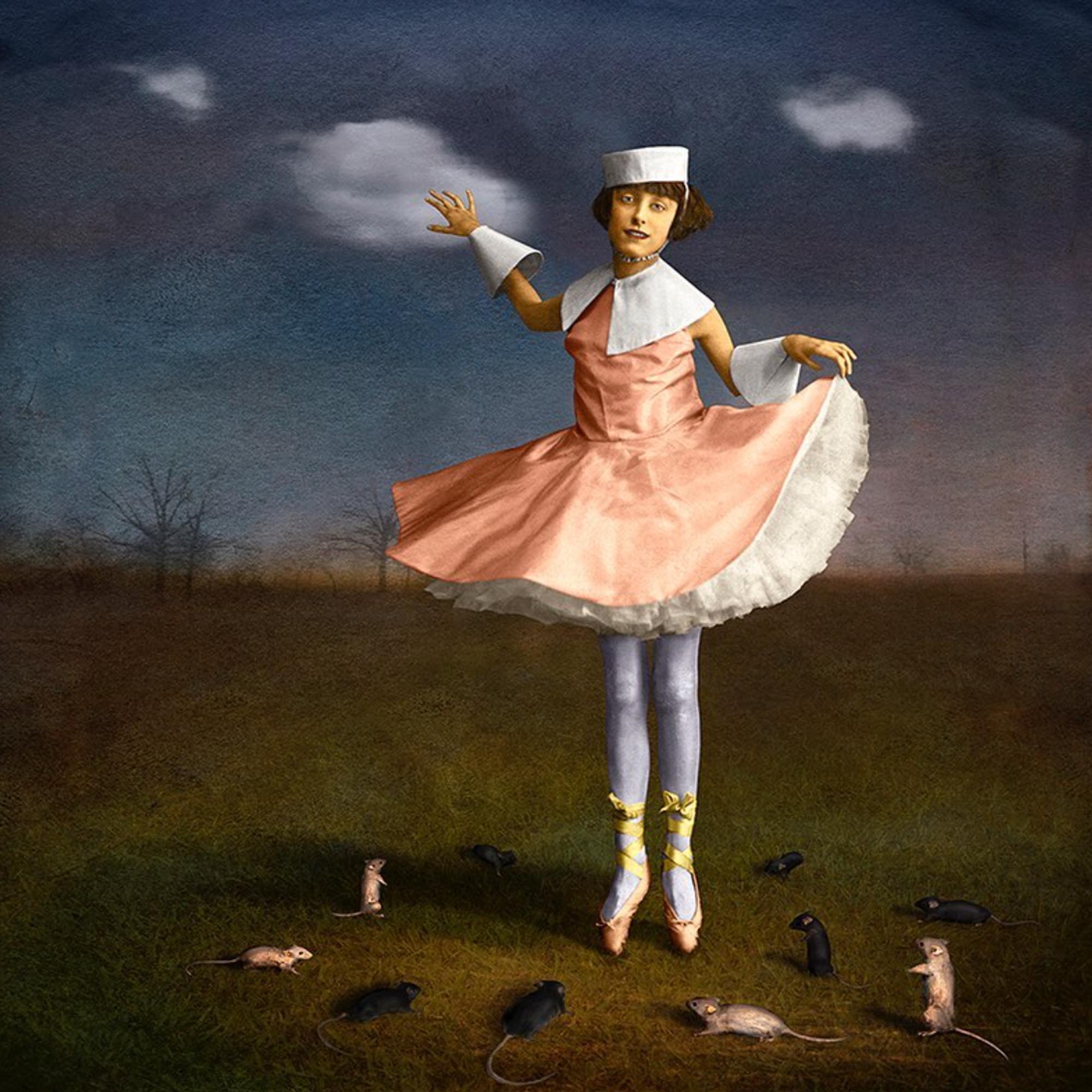
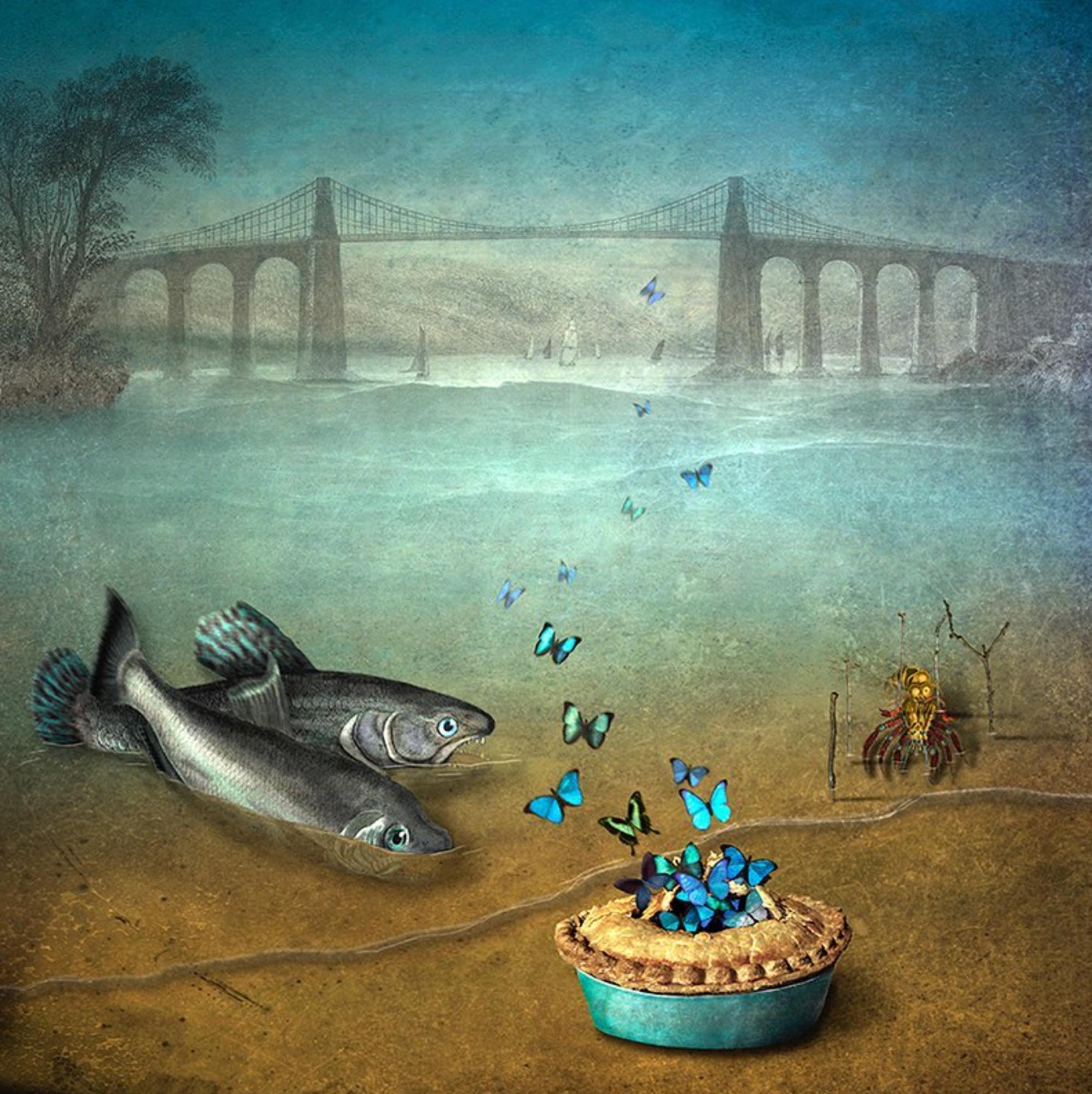
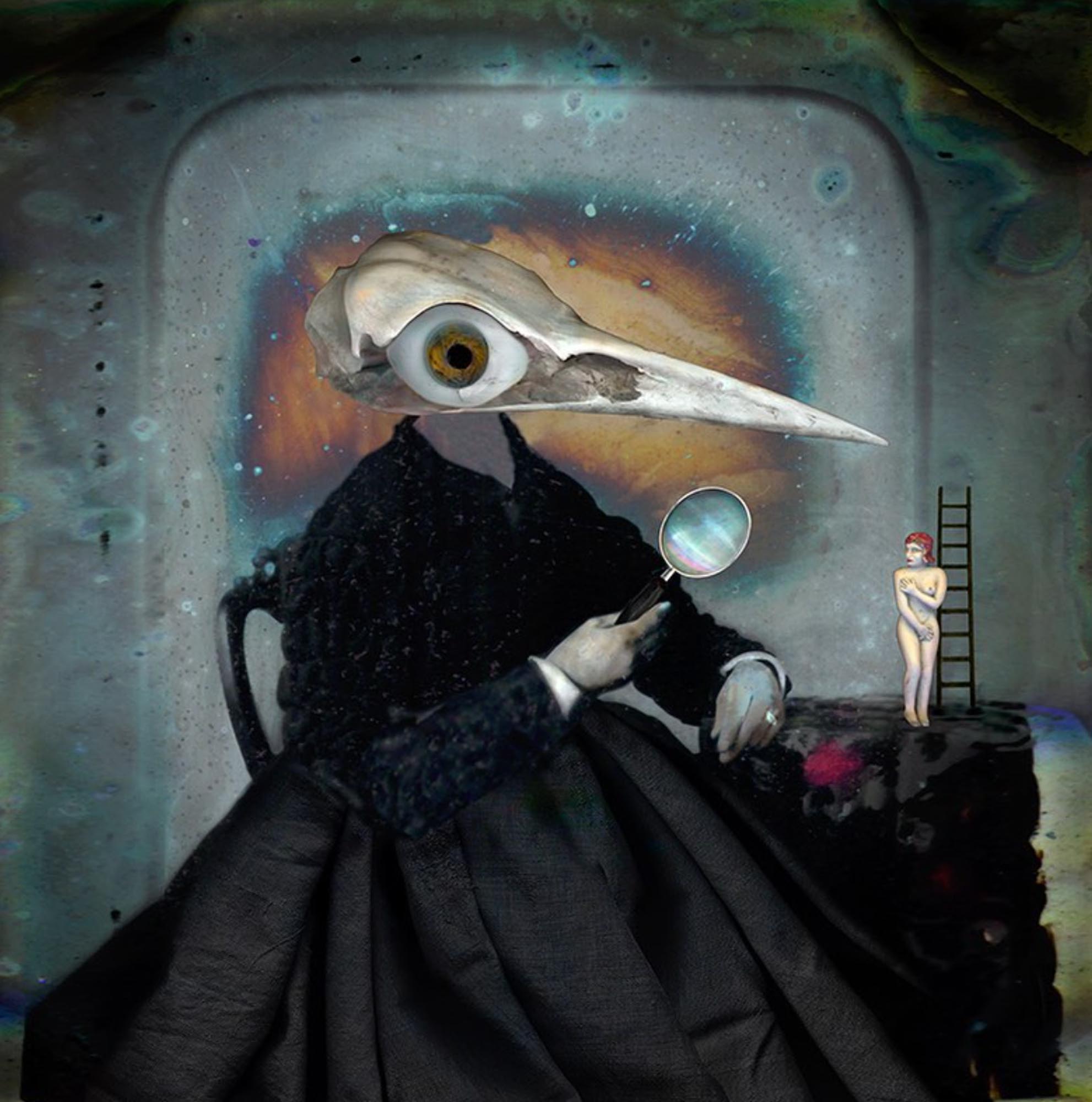
Have you ever wanted to dive into the creative compositing of images in Adobe Photoshop but held back because you were not sure of the first steps? Join Maggie Taylor as she walks you through her process of creating an artful digital collage starting at square one.

Making a digital collage using Photoshop is fun but also hard work. The creative results are clearly worth the initial effort to learn the basic collaging tools of this complex software. Follow along as Maggie introduces you to the basics of the creative combining of images that she uses throughout her fine-art work. She introduces you to the essential building blocks of collaging with Photoshop: color space, settings, image size, and all the wonderful possibilities of blend modes, opacities, and adjustment layers.

This webinar is for those who are at a basic or intermediate level with their Photoshop skills, or those who feel like a little review would be helpful, before embarking on a more advanced workshop. Each of Maggie’s three programs consists of an hour-and-a-half of demos and presentations by Maggie focused on her collaging techniques, with the final 30 minutes set aside for your questions.

After each of Maggie’s 2-hour programs, you are able to download the same files she uses to build three different images so that you can follow along step-by-step as you rewatch the ZOOM sessions on your own. These videos are available for 2 months after the final class session on May 8. The goal of these six hours of programming is to enable you to fully grasp collaging techniques using Adobe Photoshop which are some of Maggie’s favorites, so that you are comfortable using them to create your own digital collages.


Additional Information

WHO SHOULD ATTEND:

Open to anyone interested in this program.

What You Should Know:

Participants with basic to intermediate Photoshop skills will benefit most from this webinar.

Policies:

View Withdrawal and Transfer Policies for online programs.

For the convenience of participants, recordings of each class session are posted privately for one month after the end of each session. Santa Fe Workshops takes the recordings down after one month to protect the intellectual property of our instructors.

Categories
Applications, Creative Vision, Digital Workflow, Fine Art, Technical
about
Maggie Taylor

Maggie Taylor spent ten years making color still-life photographs before transitioning to digital imaging in 1997. Her label-defying, whimsical, and poetic images have been collected by numerous museums. Her books include Internal Logic, No Ordinary DaysAdobe Photoshop Master Class: Maggie Taylor’s Landscape of DreamsSolutions Beginning with A, Through The Looking Glass, and Alice’s Adventures in Wonderland, by Lewis Carroll.

Perfecting Light and Shadows Using Adobe Photoshop
with Maggie Taylor

Digital Collage 1.0

May 1, 4, and 8, 2024

You May Also Like

Photographic Haiku

with M. H. Rubin

January 6 – 23, 2026

iPhone Artistry

with Dan Burkholder

February 9 – 26, 2026

Fundamentals of Digital Printing

with Cotton Miller

February 11 – March 11, 2026

Silver and Gold Leaf Photography

with Marcy Palmer

April 7 – 28, 2026

The Language of Polaroid: Exploring Your Creative Potential

with Jari Poulin

February 5 – March 12, 2026

Photoshop Compositing: A Garden of Delights

with Ryn Clarke

January 5 – 22, 2026

The Expressive Lens

with Renee Lynn

January 5 – 26, 2026

Introduction to Video Storytelling for Photographers

with Marco Serventi

February 4 – March 11, 2026

Introduction to Digital Photography and Adobe Lightroom Classic

with Will Van Beckum

February 28 – April 4, 2026

Emotions and the Ephemeral World of Florals

with Leanne Trivett S.

January 14 – February 11, 2026

Creative Collage: Techniques for Visual Storytelling

with Sarah Hadley

January 13 – February 3, 2026

Urban Impressions: A New Way of Seeing

with Pedro Correa

March 11 – 30, 2026

The Magical Mobile Darkroom: Applications and Techniques for Crafting Compelling Images on Your Mobile Device

with Shelley Vandegrift

January 10, 2026

Creative Foundations in Photoshop

with Shelley Vandegrift

April 1 – 29, 2026

Seeing Differently: Three Voices Exploring Abstraction

with Andy Gray, Barbara Kreutter, Nick Fancher, and moderator Stephanie Johnson

December 6, 2025

Our Photo Critique Room

with Don Werthmann

January 10 – February 14, 2026